01
Play your
party music
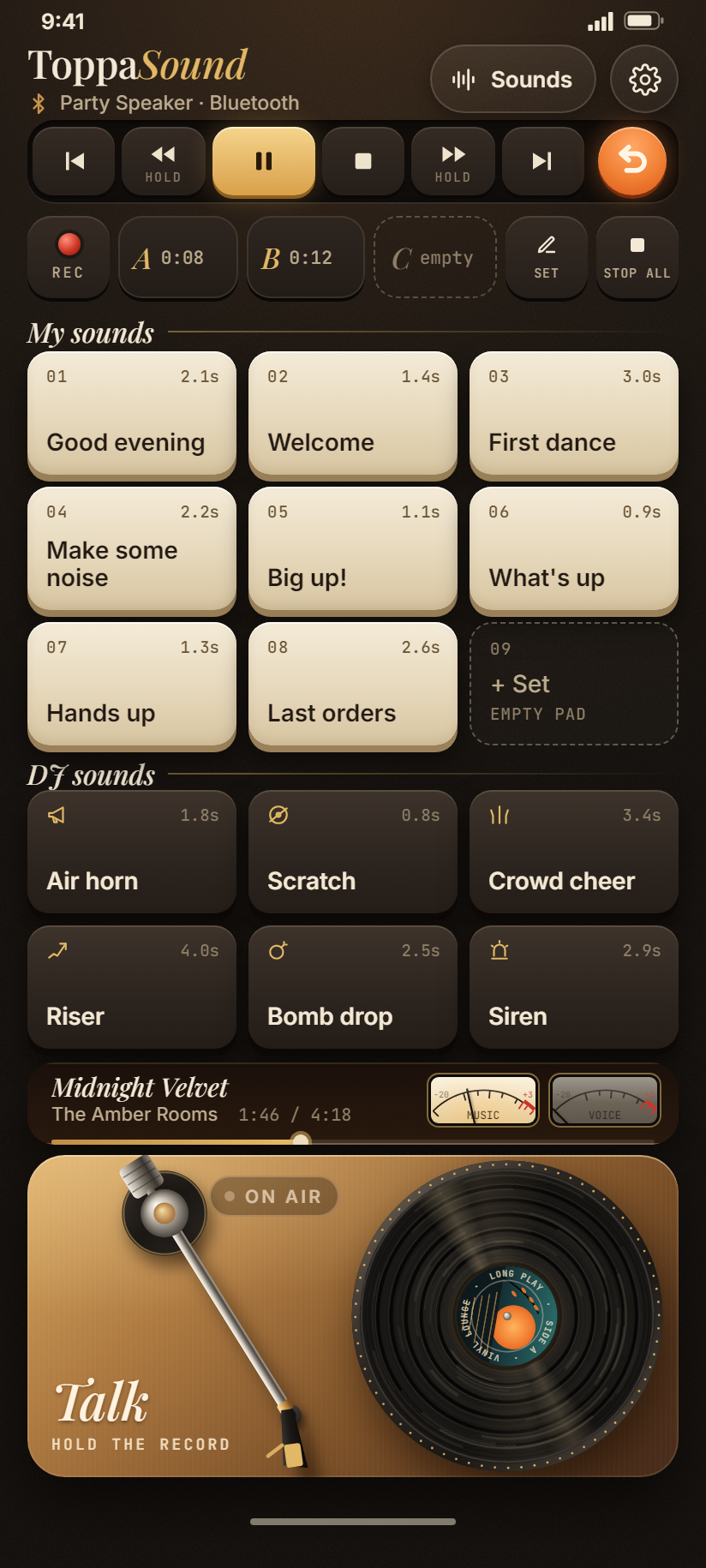
Connect your Bluetooth speaker and start your favourite music.
 ToppaSound

Bring the radio DJ energy!
Talk over your party music.
Straight from your phone
to your Bluetooth speaker.
Connect your Bluetooth speaker and start your favourite music.
Hold the vinyl TALK control. The music dips and your voice comes through.
Your friends hear you over the music. Let go and let the tune take over.
A shout-out to your mates. An intro to the next tune. A little radio DJ energy, right where the party is.
Hold the record to talk.
Watch the music dip and ON AIR light up.
Give the pads a tap.
Try a drop, a scratch or a crowd cheer.
Interactive visual preview. In the app, it’s your voice through your speaker. This preview uses neither your microphone nor Bluetooth.
Music playing · Ready when you are
Put your own recordings on the pads. That in-joke, a favourite shout-out, a familiar intro. Make the party sound like you.
Air horn, siren and more. A few well-timed sound effects go a long way.
Play, pause and skip from the same screen. Less switching around. More being in the moment.
It lets you talk over the music playing through your Bluetooth speaker. Hold TALK, say your piece, then let go. Add your own sound drops and DJ sounds along the way.
Just your Android phone, your music and a Bluetooth speaker. Connect the speaker in your phone’s Bluetooth settings, start your music and open ToppaSound.
The music dips so your voice can come through. When you release TALK, your microphone closes and the music returns.
Yes. The interactive Vinyl Lounge preview lets you try the talk control and sound pads visually. It does not use your microphone or connect to your speaker.
Bring the radio DJ energy!
Try the interactive preview